
MacBook Liquid Damage Cleaning and Internal Restoration
A customer recently brought in their Apple MacBook Pro after a liquid spill caused the laptop to stop working properly. Liquid damage is one of the most common issues we see, and if it is not cleaned professionally, it can slowly destroy internal components.
When liquids such as water, coffee, or juice enter a MacBook, they reach the logic board, battery connectors, keyboard circuits, and cooling system. Even if the device still powers on, corrosion can start forming on the motherboard and internal components. Over time, this corrosion can cause short circuits, charging problems, overheating, or complete motherboard failure.
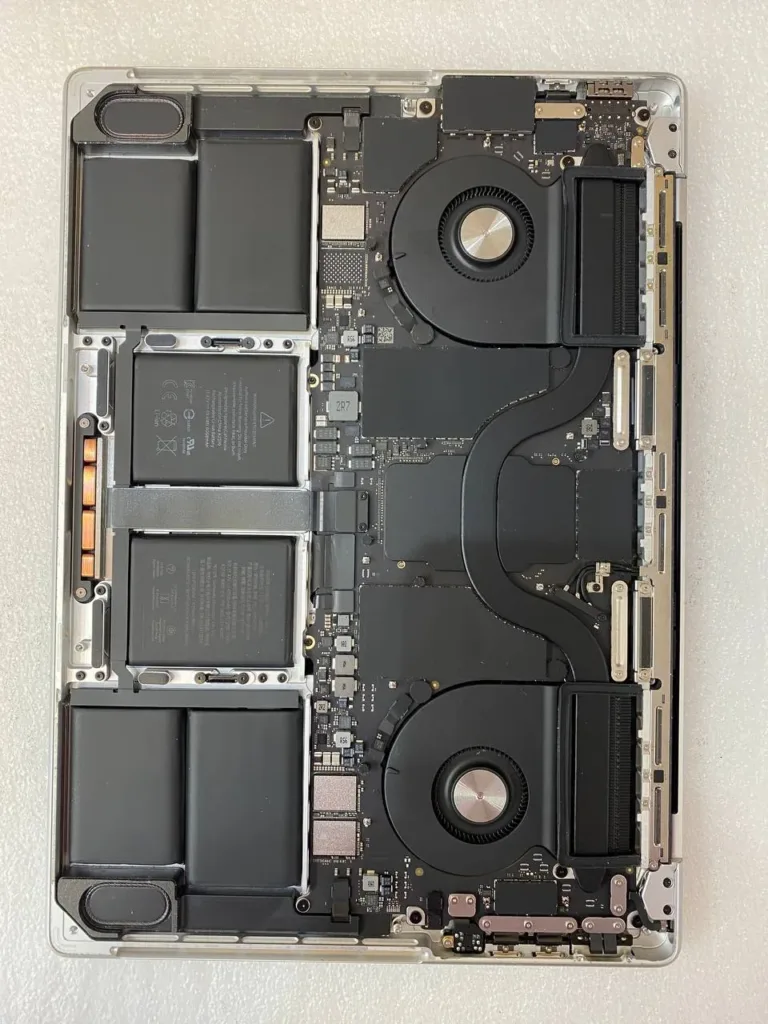
At MT Systems, we performed a full internal inspection of the MacBook. After carefully opening the laptop, we found liquid residue around several internal areas, including sections near the logic board and power circuitry.
Our technicians carried out a professional liquid damage cleaning procedure, which included:
• Complete internal disassembly
• Careful inspection of the logic board
• Removal of liquid residue and corrosion
• Ultrasonic-grade cleaning of affected areas
• Drying and reassembly of internal components
• Full system testing and stability check
After the cleaning process, the MacBook’s internal components were restored and the device was tested to ensure proper operation. Professional cleaning helps prevent long-term corrosion and can significantly increase the chances of saving the motherboard.
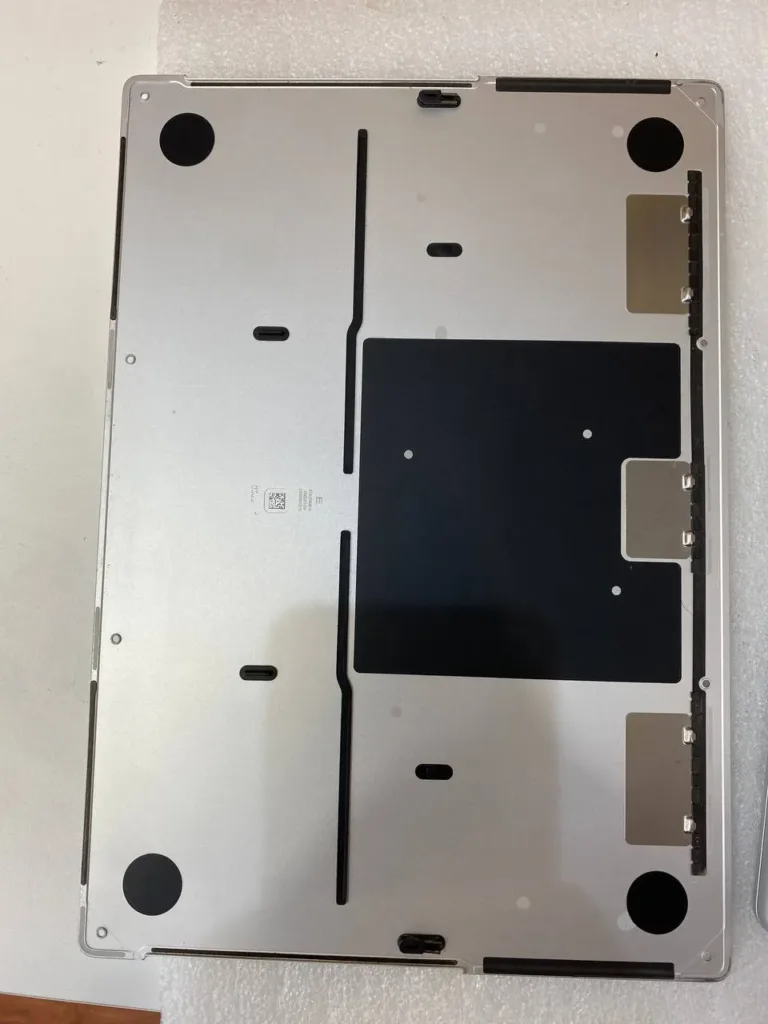
If your MacBook experiences liquid damage, it is extremely important to turn it off immediately and avoid charging it until it has been inspected by a professional technician.
MT Systems provides advanced MacBook liquid damage repair, motherboard cleaning, and internal diagnostics for customers across Richmond Hill, Thornhill, Markham, Vaughan, and the Greater Toronto Area.
Fast action after a spill can often save your device and prevent expensive motherboard replacement.